Guide 02 · 6 min
Install the Mac companion
Download the private-beta Mac app, pass Gatekeeper safely, and keep it available at login.
On this page
Download and install
- 01
Download only from Cueboard
Open usecueboard.com/download on your Mac and choose Download for Mac. The current build is version 0.1.0 for Apple silicon.
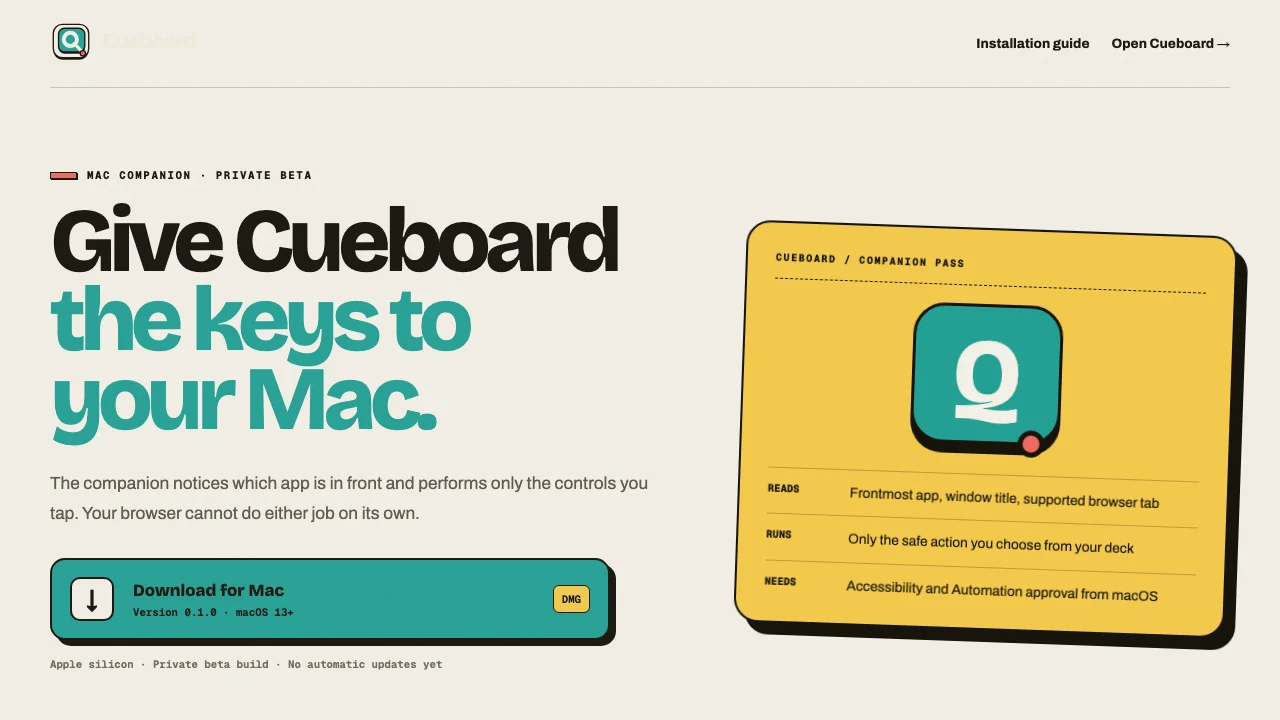 1Download DMG
The official download page identifies the version and private-beta status. - 02
Open the DMG
Double-click Cueboard-Companion-0.1.0.dmg in Downloads. Drag Cueboard Companion onto the Applications shortcut.
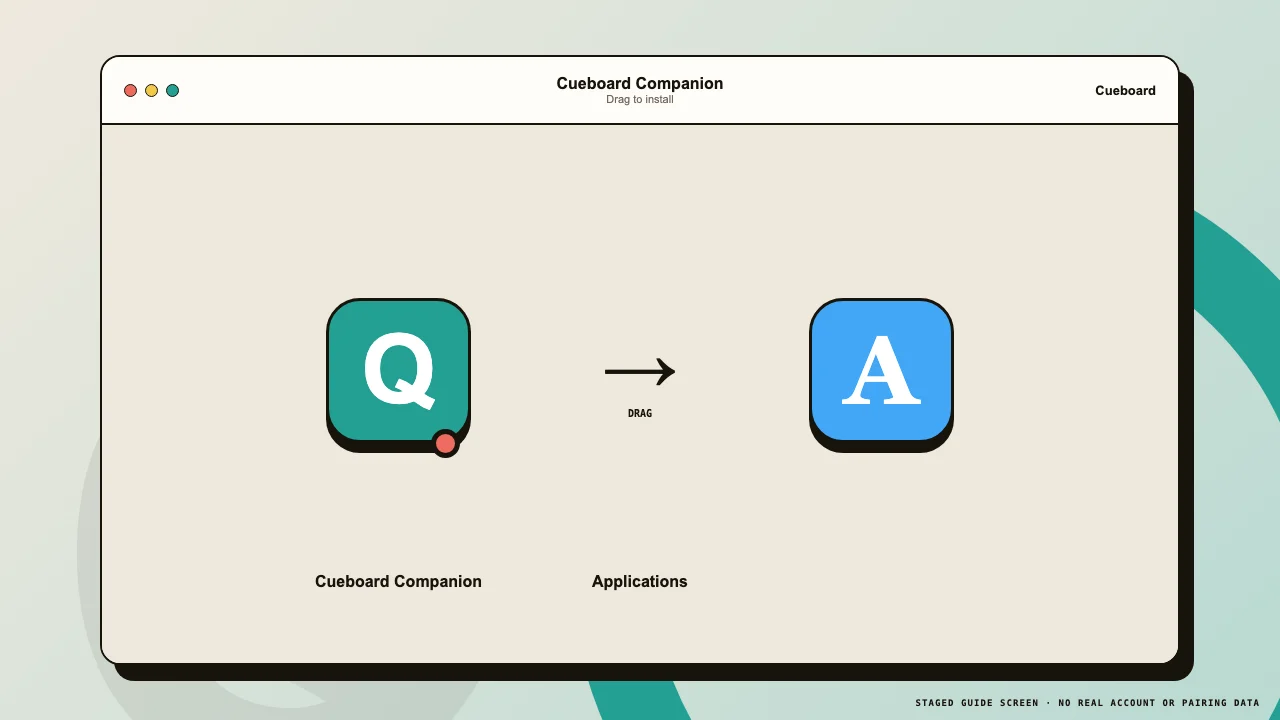 1Companion2Applications
Drag the companion into Applications before opening it. - 03
Eject the disk image
After copying completes, eject Cueboard Companion from Finder. Launch the installed copy from Applications—not the copy inside the DMG.
Open the unsigned beta
- 01
Use right-click → Open
In Applications, right-click Cueboard Companion and choose Open. macOS shows a confirmation because this private-beta build is not notarized.
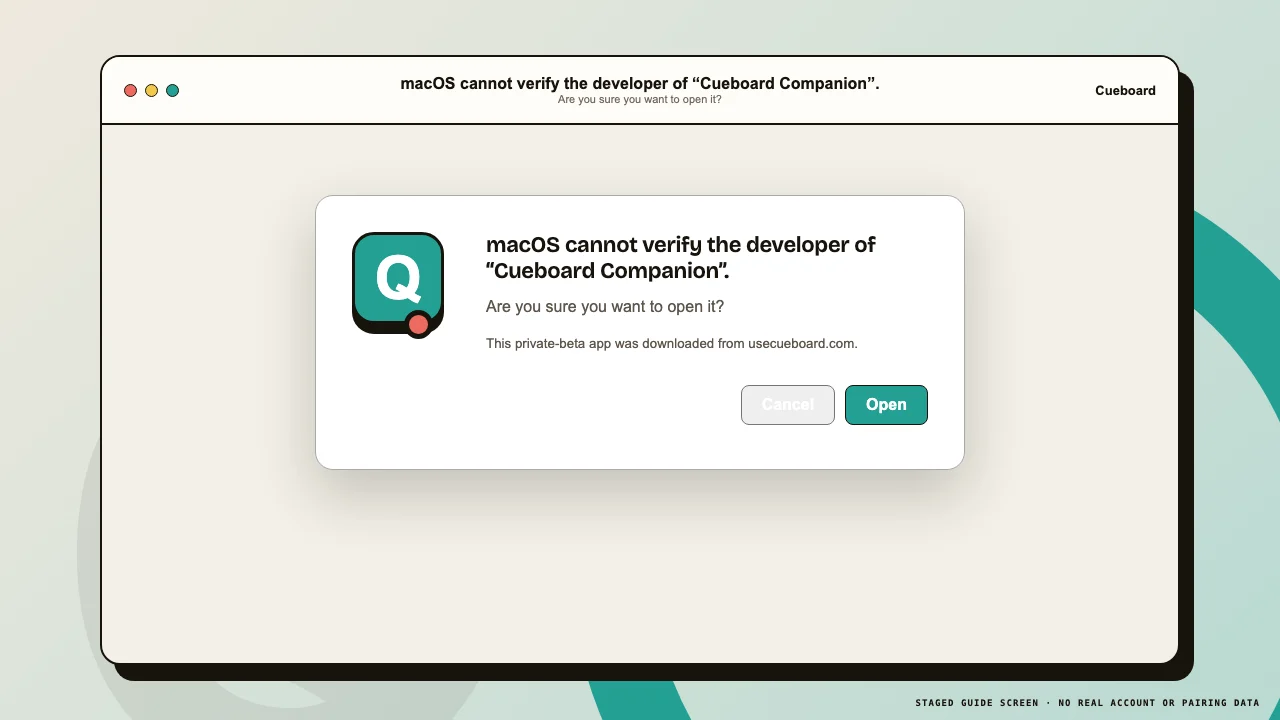 1Open
1OpenConfirm Open only when the app came from usecueboard.com. - 02
If Open is still blocked
Open System Settings → Privacy & Security, scroll to Security, find the Cueboard message, and choose Open Anyway. Authenticate with your Mac password if asked.
- 03
Find the menu-bar Q
Cueboard Companion has no Dock window. Look for its Q icon in the Mac menu bar. Open its menu to see connection status, Pair, Start at Login, and Quit.
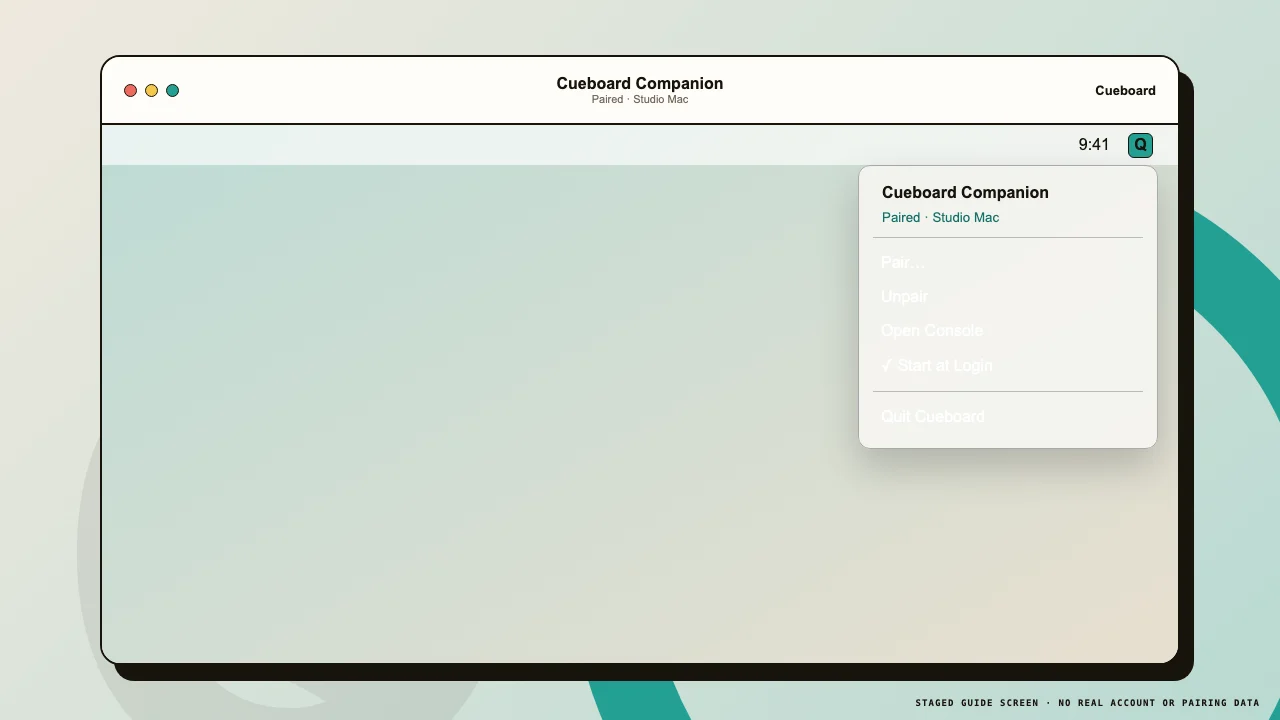 1Q icon2Pair
The menu-bar app stays out of the Dock and reports its pairing state. - 04
Enable Start at Login
Choose Start at Login from the companion menu. macOS may also list Cueboard under System Settings → General → Login Items.
What unsigned means
- 01
Install from one trusted source
This build has a valid local code structure but no Apple Developer ID identity. Do not install copies shared through chat, file hosts, or unofficial mirrors.
- 02
Expect permission prompts after updates
An ad-hoc build can look like a new app to macOS. A future beta update may require removing the old Accessibility entry, adding the new app, and approving Automation again.