Guide 09 · 5 min
Cloud decks and sync
Save decks to your account, open them on another device, and protect owner and device access links.
On this page
Create and update
- 01
Create a cloud deck
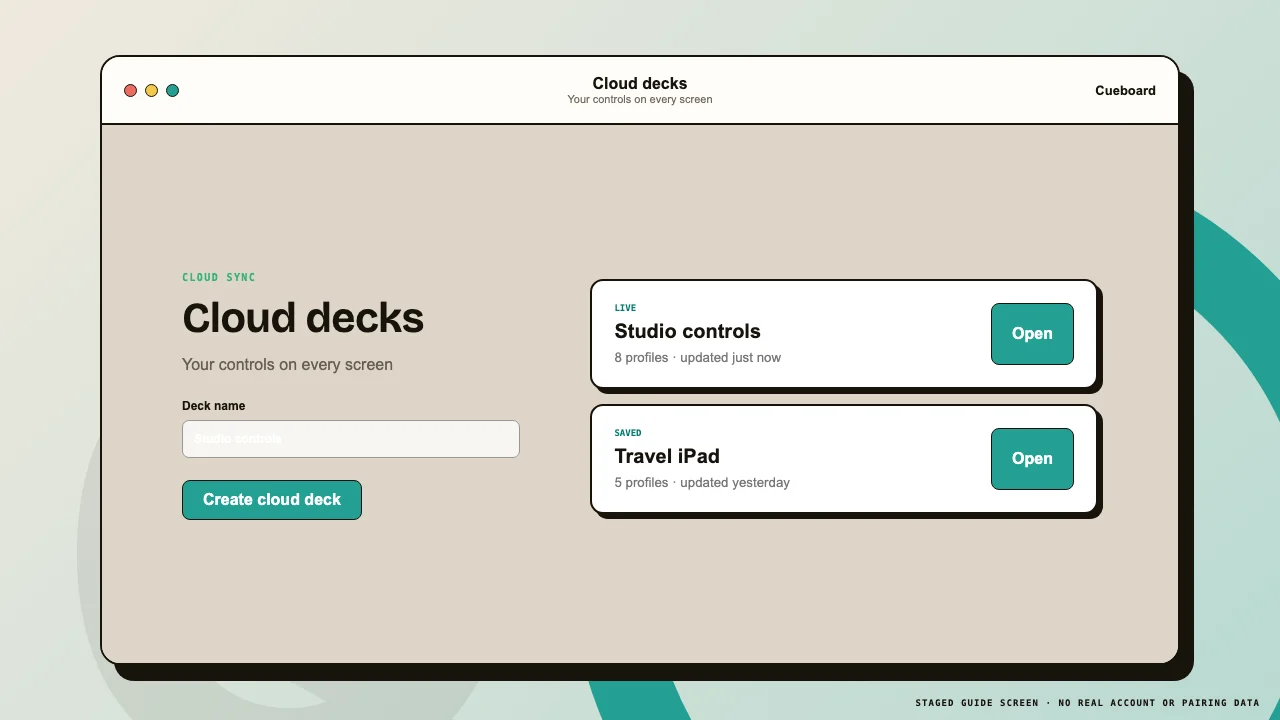
Sign in, open Menu → Cloud sync, name the deck, and create it. Cueboard stores the profile configuration and gives the owner an editable record.
- 02
Save future changes
After editing, choose Save to cloud. The remote deck receives the updated profiles through its existing connection.
 1Create2Saved decks
Account decks are listed without exposing device credentials.
Device access and privacy
- 01
Treat device URLs like passwords
A device link contains scoped credentials that can read and operate that deck. Do not post it publicly or include it in screenshots.
- 02
Delete unused cloud decks
Use Delete in the account list and confirm. Open clients close when the underlying deck is removed.
- 03
Know the safety limit
Private-beta accounts can store up to 25 cloud decks. Exported JSON files remain available for offline backup.